The stock keyboard that comes on a device is usually passable, but always we want something more. The good news is there is a lot of third party keyboard options in Android phones and some of them are pretty spectacular. Which keyboard is best for you?
we give you 10 3rd party keyboard Apps which are spectacular in features and looks.
1.Fleksy Keyboard
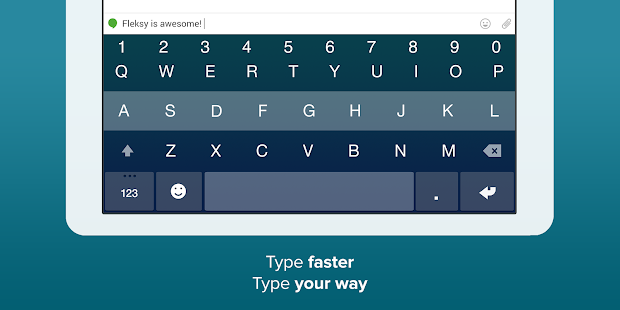
Fleksy is the most fun, customizable way to type, and officially the fastest keyboard in the world. Fleksy is the only keyboard that allows you to find and send GIFs, and customize your keyboard with powerful Extensions and colorful themes. Try Fleksy FREE for 30 days with this trial!
Use Fleksy Extensions like: GIFs, Hotkeys, Android Launcher, Editor, Number Row, Keyboard Shortcuts, Invisible Keyboard, and Rainbow Key Pops
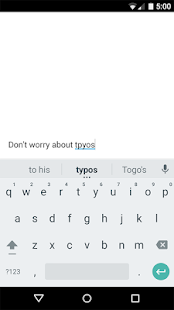
2.Google Keyboard
Key features:
• Material design themes
• Personalized suggestions, corrections, and completions
• Keypress popup animations
• Emoji entry point and layouts (Android 4.4 and up)
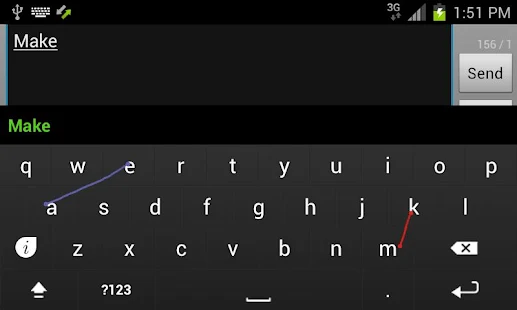
• Gesture Typing with dynamic floating preview
• Space-aware Gesture Typing: just gesture through the space bar
• Voice Typing
• Dictionaries for more than 25 languages
• Advanced keyboard layouts
• Works across your Android devices (tablets and phones)
3.SwiftKey Keyboard
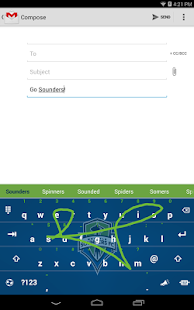
Predictive text functionality in SwiftKey is considered some of the best in its niche. It’s also considered one of the best trace keyboards, and there’s even a few small things included that make SwiftKey a great all-in-one keyboard experience, such as stats on how efficient you are when typing and a truck load of theme options. Simply put, SwiftKey is one of the best keyboards you could ever use on your Android device. There are also tablet keyboard options and an option to move the keyboard to one side for use on larger phones.
4.Adaptxt Keyboard
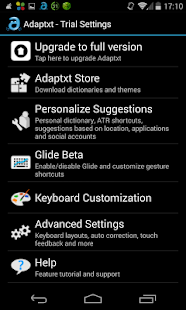
Adaptxt is an award-winning, smart and multilingual keyboard designed to offer a personalized input experience to users across Android devices.
Adaptxt keyboard offers the best-in-class keyboard personalization and customization features. Adaptxt Keyboard enhances the way you interact with your apps, emails, messages, and chats over your smart devices. With our new version, we have introduced location-based suggestions to create a more holistic experience as you enjoy the freedom of typing in more than 90 languages.
5.GO Keyboard
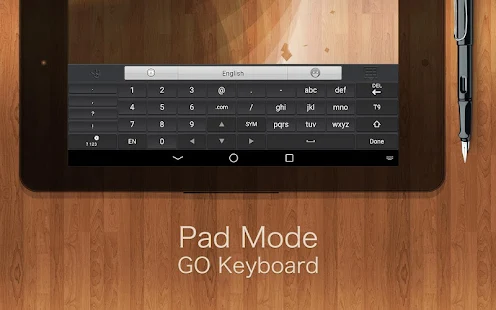
GO Keyboard suffers from the same stigma as other GO products. Some people absolutely love it and some people absolutely hate it. That said, GO keyboard is a fun option if you like your keyboard to look really busy. There are themes galore along with things like emoji support. The only issue is that it is really busy almost to the point of being cartoony. It is free, though, and that’s always a big plus.
6.Hacker’s Keyboard
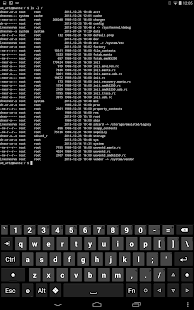
Are you missing the key layout you're used to from your computer? This keyboard has separate number keys, punctuation in the usual places, and arrow keys. It is based on the AOSP Gingerbread soft keyboard, so it supports multitouch for the modifier keys.
This keyboard is especially useful if you use ConnectBot for SSH access. It provides working Tab/Ctrl/Esc keys, and the arrow keys are essential for devices that don't have a trackball or D-Pad.
7.Keymonk Keyboard
Type faster than ever before! Sweep words with both fingers twice as fast as Swype or SlideIT.
Android Police: "A very interesting take on mobile input... give it a shot".
El androide libre: "A keyboard revolution".
The Guardian: "Is there room for another big third-party Android keyboard besides SwiftKey and Swype?".
Available in English, Hebrew, Spanish, Italian, French and German.
8.Swype
Swype is all about YOU. Whether you’re a fast tapper, exact typer or a Swype Ninja, get ready for
a better, faster keyboard experience that gets smarter the more you use it. Swype pays attention to the way you input text and creates a personal language model that follows you from device to device. Swype – the world’s most powerful keyboard.
9.Smart Keyboard PRO
Smart Keyboard Pro is a fast multitouch keyboard with multi-language support, skins, voice input, T9 and compact mode, Smart dictionary, custom Auto-Text, hard keyboard support, calibration, and many other appearance and prediction options. Get it now and see by yourself why it is the best rated keyboard app on the Market!
10.AI Type Keyboard Plus
Next up on our list is AI Type Keyboard Plus. This is versatile keyboard gives you a lot of options all inside of an eye friendly interface. The various menus in this keyboard app look really well designed, and the keyboard is fairly accurate too. It also tries to compete with SwiftKey in terms of word prediction and it’s fairly accurate. The theming is top notch and it’s worth a shot.